
Home » Alle berichten » Business » Mastering project timelines with a practical critical path analysis template
Mastering project timelines with a practical critical path analysis template
A well-structured project lives or dies by its timeline, and that is exactly where a critical path analysis template becomes invaluable. With a clear overview of dependencies, task duration, resource limitations and potential bottlenecks, you give yourself the ability to forecast deadlines with far more accuracy. This article helps you understand how to use such a template effectively, how it improves team coordination and decision-making, and how you can go beyond the basics to get more value out of it. TheGrowthIndex.com often highlights that clarity beats assumptions, and a good template delivers that clarity.
In short:
Understand how a critical path analysis template visualizes dependencies.
Identify longest-path tasks to avoid hidden risks.
Use structured steps to build a complete analysis.
Apply the template during planning, execution and review.
Improve forecasting with advanced techniques such as buffers and scenario simulation.
Why a critical path analysis template matters for project predictability
A critical path analysis template brings structure to project scheduling by highlighting the series of tasks that directly determine your end date. Instead of relying on guesswork or static timelines that fail as soon as something changes, the template forces you to think in terms of dependencies. It clarifies which tasks can slip without impact and which cannot afford delays. When you use it consistently, you spot risks earlier and plan resources more intelligently. This alone sets teams apart, especially when working across departments.
How to structure your critical path analysis template correctly
Most templates appear simple on the surface, but the structure you establish determines how accurate the end result will be. At its core, the template should include tasks, duration estimates, predecessors, earliest and latest possible start dates, float and expected end dates. If any of these elements are missing, you’ll get partial insights instead of reliable forecasts.
A clean template also improves collaboration. When your team understands the structure, they provide better input. Having consistent columns and naming conventions prevents confusion and keeps your template usable across multiple projects.
Also interesting



Building a critical path analysis template step by step
A step-by-step process helps ensure your output is consistent regardless of project complexity. Even large teams benefit from following the same flow.
Step 1: List every task involved in the project
Your template only works if all tasks appear in it. Avoid summarizing several activities into one line unless they truly move together. Missing tasks create false assumptions in your timeline.
Step 2: Add accurate duration estimates
Obtain durations from the people doing the work rather than from memory or old templates. Duration is the foundation of critical path calculations, so precision here matters.
Step 3: Identify predecessors for every task
A critical path analysis template only works when dependencies are clear. Ask yourself: What must happen before this task can begin? Write every relevant predecessor down.
Step 4: Calculate earliest start and end times
This phase introduces forward-pass calculations. Your template should automatically compute earliest times based on predecessors. If you’re doing it manually, move task by task until you reach the final node.
Step 5: Perform backward-pass calculations
Backward-pass values show the latest possible start and end times without delaying the project. This helps reveal float, which shows you which tasks have flexibility—and which have none.
Step 6: Highlight the critical path
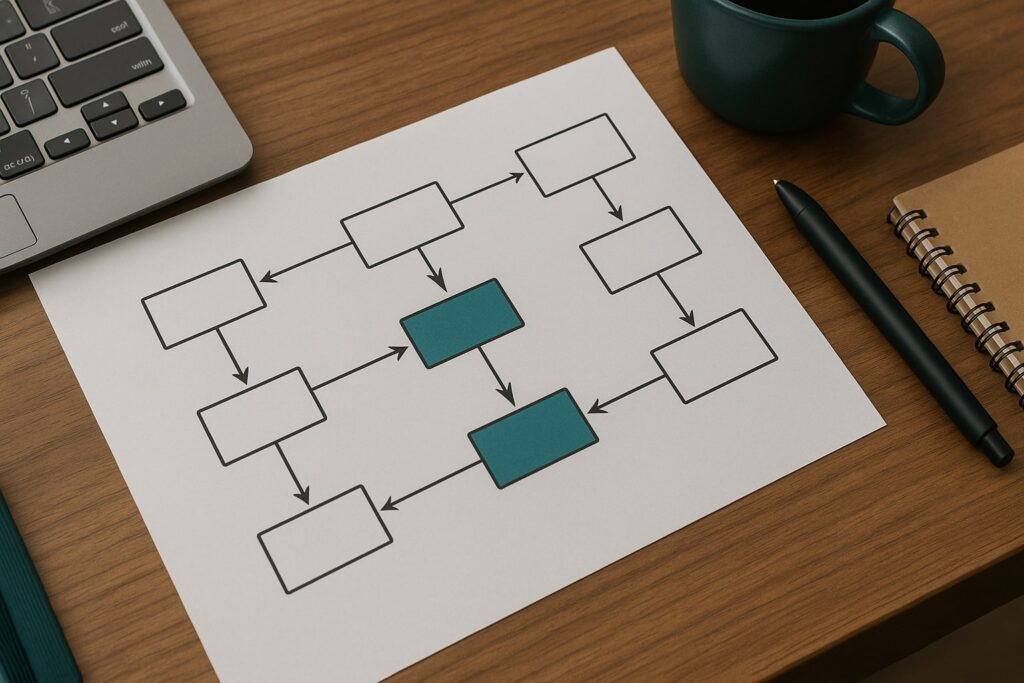
Tasks with zero float form the critical path. Most templates visually mark these activities, often with color coding. This makes it easier to monitor them during execution.
Using a critical path analysis template to improve resource allocation
Once the critical path becomes visible, you can make smarter resource decisions. If a critical task depends on a limited specialist, you can schedule their time strategically. Teams often mismanage resources because they treat all tasks equally, but your template will show that certain tasks demand more attention. You can also identify opportunities for parallel work, where resources can support non-critical activities without endangering the timeline.
The role of a critical path analysis template in risk mitigation
Many teams talk about risks, but few quantify them. A critical path analysis template helps you identify high-risk areas based on task sensitivity. If a single-day slip affects the entire project, it demands stronger control measures. When your template shows excessive dependencies converging on a single activity, you can prepare contingency strategies. This level of foresight strengthens project delivery and reduces last-minute firefighting.
"The line that guides everything else is simple: Clarity creates predictability."
Integrating a critical path analysis template with digital project tools
Most digital project platforms allow you to import a critical path structure or create it directly inside their timeline or Gantt modules. Tools with automatic updates make it easier to maintain the template as tasks change. If someone modifies a dependency or duration, the entire timeline recalculates itself. This avoids the common issue where teams keep outdated spreadsheets that no longer reflect reality.
For organizations using multiple tools, try to maintain the template in one primary location. Fragmenting your timeline across several systems weakens the reliability of the analysis.
Common mistakes when using a critical path analysis template
Teams often fall into predictable errors when applying critical path analysis. The most frequent issue is treating all dates as fixed rather than estimates. Overconfident estimates create unrealistic expectations, and your critical path quickly becomes inaccurate.
Another mistake is leaving out small tasks because they seem insignificant. These overlooked tasks can accumulate and create unexpected bottlenecks later. A third common issue is failing to update the template during execution. A critical path analysis template is not a one-time planning artefact; it should evolve with the project.
Advanced ways to get more value from your critical path analysis template
Teams who want to go further than the basics can leverage advanced techniques to maximize usefulness. One method is adding buffers strategically. A buffer is extra time placed after high-risk tasks, helping absorb minor delays without impacting the final date. Another technique is scenario simulation, allowing you to model what happens if a task takes longer or if resources become unavailable. This forward-thinking approach helps you prepare action plans before a problem occurs.
Finally, consider integrating the template with cost data. When task duration changes, costs change too. Linking these elements gives you a more complete project forecast.
Also interesting



Practical example of using a critical path analysis template effectively
Imagine you are planning a product launch with multiple teams: engineering, design, marketing and operations. Your critical path analysis template reveals the engineering work has zero float and runs longer than other streams. Marketing, which thought it was on the critical path, discovers it has several days of flexibility. This insight helps you shift support resources from marketing to engineering to prevent delays. Without a template, you might have made the opposite decision, unintentionally pushing the launch back.
How a critical path analysis template supports better communication
A template creates a shared language. When everyone can see which tasks affect the end date, discussions become more productive. Meetings shift from status updates to problem-solving sessions. Stakeholders also get a clearer view of what will happen if they request changes. Instead of vague statements about impact, you can point to specific activities and durations, making the consequences easier to understand.
Bringing discipline and clarity to your workflows with a critical path analysis template
When used consistently, a critical path analysis template improves planning accuracy, reduces schedule risks and strengthens team coordination. It helps you understand the difference between tasks that simply need attention and those that define the entire project’s success. TheGrowthIndex.com frequently emphasizes that well-structured systems outperform reactive approaches, and critical path analysis is a prime example of this principle.

Lina Mercer
Lina Mercer is a technology writer and strategic advisor with a passion for helping founders and professionals understand the forces shaping modern growth. She blends experience from the SaaS industry with a strong editorial background, making complex innovations accessible without losing depth. On TheGrowthIndex.com, Lina covers topics such as business intelligence, AI adoption, digital transformation, and the habits that enable sustainable long-term growth.