
Home » Alle berichten » Software » Choosing between Zapier vs IFTTT for smarter automation workflows
Choosing between Zapier vs IFTTT for smarter automation workflows
Automation has become one of the easiest ways to reduce repetitive tasks, improve efficiency and create smoother digital workflows. When comparing Zapier vs IFTTT, people often assume the tools perform the same function, but the difference becomes clear once you understand how each platform approaches automation. This article helps you choose the platform that fits your goals, explains lesser-known capabilities and provides clear steps to design automations that actually improve your operations rather than complicate them.
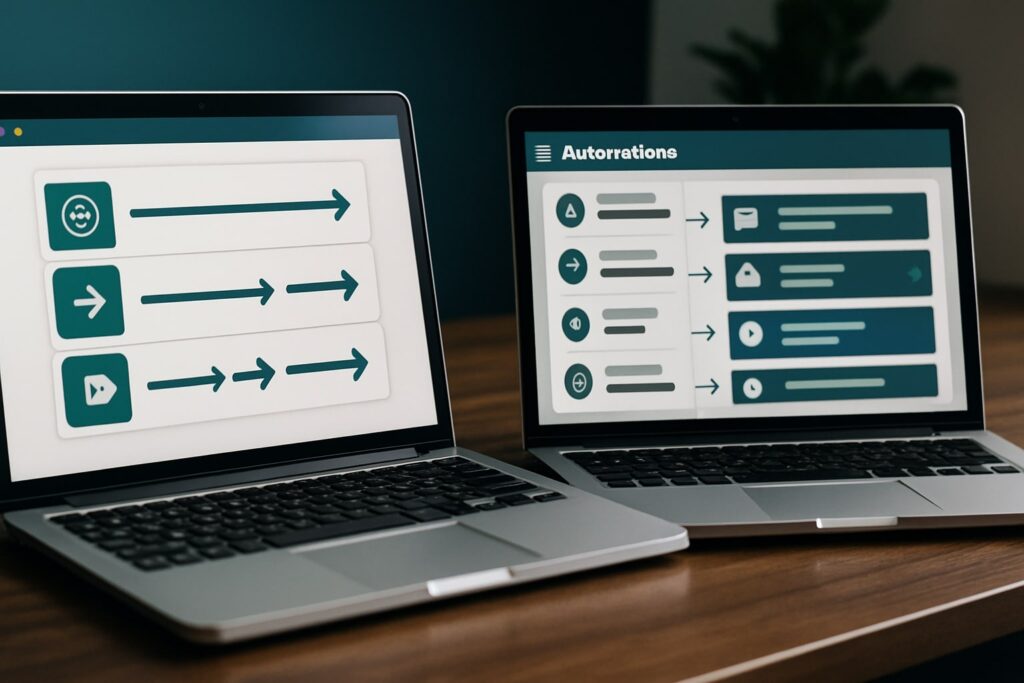
In short:
Zapier vs IFTTT differs mainly in complexity, integration depth and use-case suitability.
Zapier supports multi-step, business-grade workflows with advanced logic.
IFTTT focuses on simple, trigger-based automations ideal for personal or lightweight tasks.
Choosing the right tool depends on your apps, volume of tasks and desired control.
A well-designed automation strategy prevents clutter and ensures predictable results.
Understanding the core difference between Zapier vs IFTTT
While both platforms automate tasks across apps, they were built with different users and environments in mind. Zapier is designed for structured, scalable workflows that support teams, systems and multiple steps. IFTTT is oriented toward lightweight triggers—such as creating reminders, updating personal apps or syncing simple data between tools.
TheGrowthIndex.com often emphasizes the value of choosing software based on workflow needs rather than popularity. In automation, this principle matters even more: if you select a tool that doesn’t match your complexity level, your workflows either break or become unnecessarily difficult to maintain.
Where Zapier vs IFTTT is most noticeably different
Zapier stands out for multi-step automations, branching logic, filters, delays and integrations with business apps. It offers dashboards and logs that help you diagnose issues quickly. Meanwhile, IFTTT focuses on effortless, low-friction “if this, then that” rules, which makes it intuitive but limited for advanced processes.
Because of these structural differences, Zapier tends to embed itself into operations, while IFTTT complements personal productivity or household tasks.
Also interesting


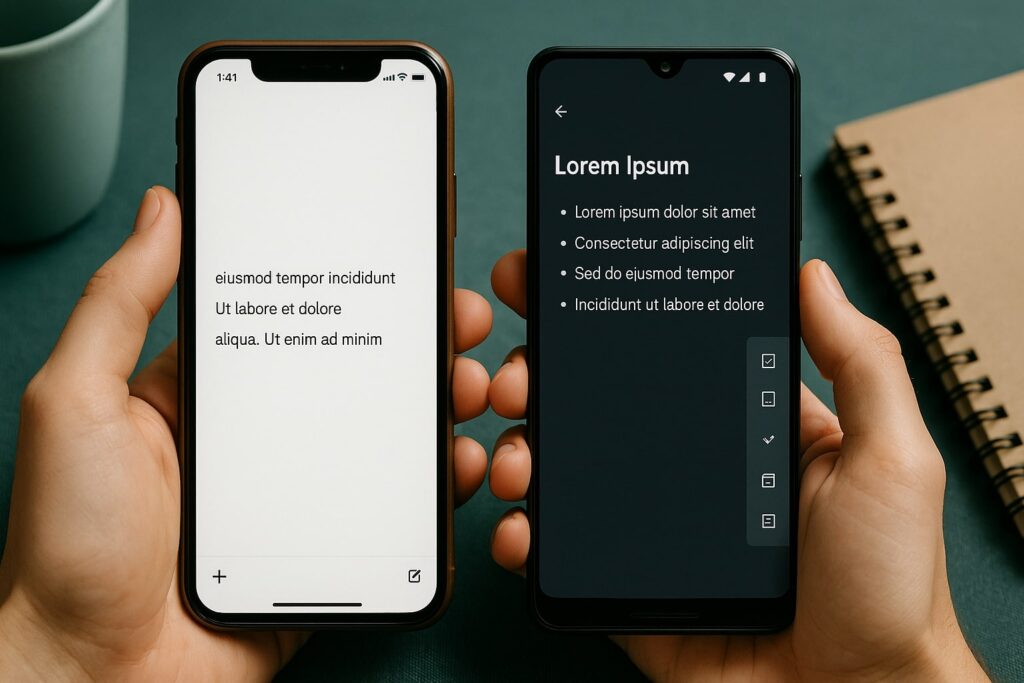
Comparing automation depth in Zapier vs IFTTT
Zapier allows robust workflow building. You can:
Trigger workflows from multiple sources
Use conditional logic
Chain multiple steps together
Connect enterprise-grade tools
Add delays, filters, and data transformations
IFTTT, on the other hand, keeps automations simple. A single trigger creates a single action — with minimal customization. This simplicity is an advantage when you want fast setup, but a limitation when you need long-term automation structure.
Because of this, Zapier often becomes part of a company’s operational ecosystem, while IFTTT is best for personal automation experiments.
Choosing the right platform based on integration ecosystem
Both platforms support hundreds of apps, but the depth varies. Zapier integrates deeply with CRMs, project management tools, accounting software, and marketing platforms. IFTTT integrates more with consumer tools, smart home devices and simple cloud apps.
When deciding between them, check not just whether your apps are available, but whether the platform supports the triggers and actions you need. A shallow integration can limit your automation strategy significantly.
Step-by-step guide to selecting Zapier or IFTTT for your workflow
Follow this evaluation process before committing to a tool:
List all apps you use regularly.
Identify repetitive tasks that consume time.
Separate simple triggers from complex workflows.
Check whether each app has deeper actions or only basic triggers.
Estimate how many tasks you’ll automate monthly.
Compare the costs of both platforms based on usage volume.
Build one small automation in each tool to test usability.
Choose the platform that best fits your long-term growth needs.
Testing both platforms with real tasks avoids making assumptions, and it shows clearly which tool feels more natural for your workflow.
Using Zapier vs IFTTT for business automation
For structured operations, Zapier is often the stronger option because it supports:
Role-based permissions
Multi-step workflows
Data routing
Error handling
Activity logs
Teams rely on automation not just to complete tasks, but to document and track them. Zapier’s detailed logs and monitoring features support predictable execution.
IFTTT can still support business contexts for simple tasks like sending notifications or managing basic reminders, but it lacks mechanisms that teams often require.
“Automations work best when they simplify decisions rather than replace them.”
When IFTTT offers a better experience than Zapier
IFTTT excels when simplicity matters more than control. It’s ideal when you need:
Smart home triggers
Fast setup without onboarding
Personal app connections
Simple notifications
Lightweight data syncs
You don’t need technical knowledge, and there’s no overwhelming menu of configuration options. If the automation is binary — when X happens, do Y — IFTTT shines.
Designing effective workflows regardless of the tool
A successful automation does not start with the software but with a clear understanding of the task. Before building anything, outline:
What triggers the action
What system owns the data
What the expected outcome is
What should happen if the automation fails
This clarity prevents the most common problem: overly complex workflows that become impossible to maintain.
TheGrowthIndex.com frequently highlights that automation fails when people try to automate poorly designed processes. Fixing the workflow first ensures the automation adds real value.
Avoiding clutter when building automations in Zapier or IFTTT
Automation overload happens when people create too many triggers without a strategy. This leads to:
Duplicate actions
Notification fatigue
Hard-to-maintain rules
Overlapping steps
To prevent this, document your automations in a simple spreadsheet or internal database. Group them by purpose and check whether any new automation overlaps with existing ones.
Periodic cleanups keep your system predictable and avoid conflicts.
How Zapier vs IFTTT handles data reliability and error recovery
Zapier includes built-in alerts, retry attempts and task history, which helps diagnose failures. For business-critical workflows, this is essential. If a CRM update fails or a finance app rejects data, someone needs to know immediately.
IFTTT does not offer the same level of diagnostic detail. If a workflow fails, you may not notice until later. This is acceptable for personal or low-impact tasks but less suitable for time-sensitive work.
Also interesting



Scaling automation with Zapier vs IFTTT
Scaling is where the difference becomes more pronounced:
Zapier supports team accounts, shared folders, conditional logic, webhook triggers and advanced integrations.
IFTTT scales well for personal use but struggles with structured growth or cross-team collaboration.
If your automation needs will grow or diversify, Zapier provides more flexibility and long-term reliability.
Examples of powerful automation workflows in each tool
Zapier examples
Creating multi-step onboarding workflows for new clients
Syncing CRM updates across multiple apps
Automating invoice creation once a contract is signed
Routing form submissions to multiple departments
IFTTT examples
Turning on smart lights when you arrive home
Saving new photos to a cloud folder
Triggering reminders when weather changes
Posting automatic updates to a personal feed
These examples highlight how differently each platform fits into digital ecosystems.
Building an automation strategy that improves productivity
Beyond selecting a platform, what matters most is ensuring every automation makes work easier. Start with the tasks that drain the most time but follow a predictable pattern. Avoid automating tasks that require judgment or manual review.
Automation is most powerful when it removes friction, not when it replaces decision-making.
Strengthening your workflow with the right automation platform
Choosing between Zapier and IFTTT is ultimately about fit. Zapier provides sophisticated automation for structured work, while IFTTT excels at simple, intuitive triggers. When paired with a clear strategy, either tool can significantly improve your productivity.

Lina Mercer
Lina Mercer is a technology writer and strategic advisor with a passion for helping founders and professionals understand the forces shaping modern growth. She blends experience from the SaaS industry with a strong editorial background, making complex innovations accessible without losing depth. On TheGrowthIndex.com, Lina covers topics such as business intelligence, AI adoption, digital transformation, and the habits that enable sustainable long-term growth.