
Home » Alle berichten » Software » Choosing the right digital notes app: a practical and strategic take on bear vs obsidian
Choosing the right digital notes app: a practical and strategic take on bear vs obsidian
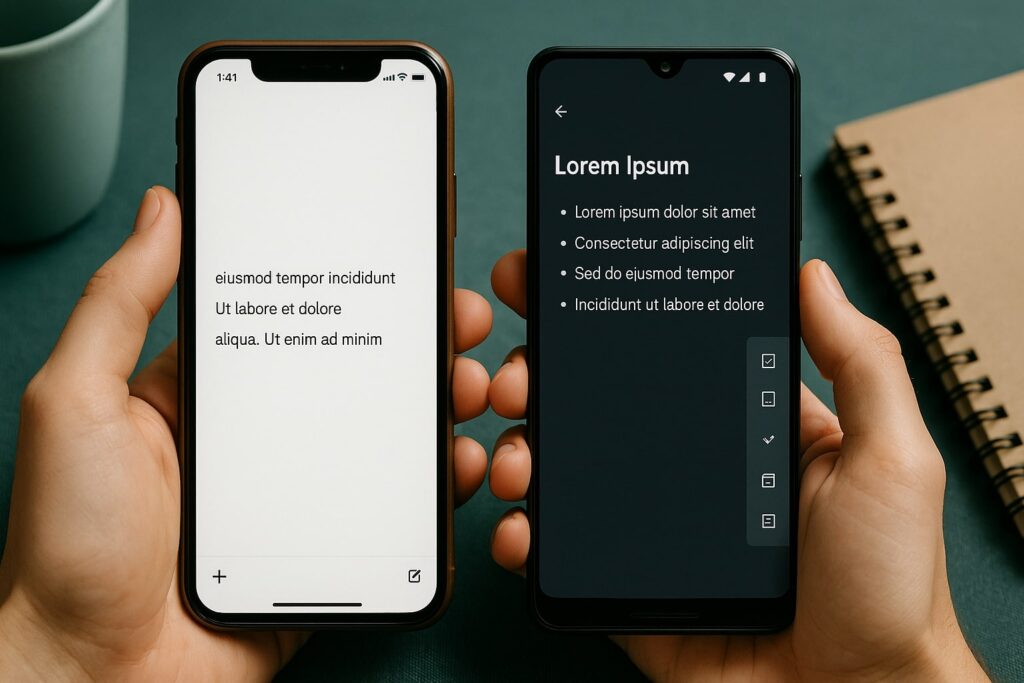
Choosing between bear vs obsidian is less about picking a trendy notes app and more about shaping the way you work. Both tools offer clean interfaces, fast performance and Markdown support, yet they serve fundamentally different thinking styles. Bear emphasizes effortless writing and beautiful organization, while Obsidian focuses on building a long-term knowledge base with linking, plugins and extensibility. Understanding how each tool behaves in real workflows helps you make a decision you won’t need to revisit six months later.
In short:
Bear offers simplicity, design polish and frictionless writing; Obsidian offers power, flexibility and deep knowledge management.
Linking and long-term thinking are Obsidian’s strengths, while Bear is ideal for quick capture and clean structure.
Sync, collaboration, export quality and future-proof storage work differently in bear vs obsidian and influence long-term data safety.
Custom plugins and graph-based thinking give Obsidian unique advantages not found in most note apps.
Testing both apps with a five-day workflow experiment reveals limitations you won’t see in feature lists.
Understanding the core philosophy behind bear vs obsidian
The biggest difference in bear vs obsidian comes from their design philosophies. Bear focuses on beauty, minimalism and encouraging writing through a clean interface. It works like a refined notebook with tags, quick search and smooth performance. Many users find that Bear reduces mental friction: you open it, start typing and stay focused.
Obsidian, on the other hand, approaches notes as a network of knowledge. Instead of organizing everything into folders or tags, you connect ideas through links, build clusters of thinking and let relationships surface naturally. This makes Obsidian ideal for people who want to turn their notes into a long-term knowledge base rather than a quick capture system.
How note structure changes your workflow in bear vs obsidian
Bear organizes notes through tags and nested tags. This linear structure feels intuitive and allows you to arrange notes hierarchically without technical overhead. If you enjoy a tidy, predictable layout, Bear shines. Tag-based organization also makes it easy to restructure your system later without needing to rethink everything.
Obsidian’s non-linear approach changes how you think. Instead of forcing information into rigid buckets, you link notes naturally as your ideas develop. This mirrors real thinking: thoughts branch, merge, split and evolve. For users managing research, long-term projects or creative exploration, this structure becomes a tremendous advantage.
Also interesting


Syncing and long-term data safety in bear vs obsidian
Because Bear relies on its own sync system through iCloud, everything remains smooth if you’re within Apple’s ecosystem. Sync is fast, stable and private. However, it also means Bear is unavailable on Windows or Android. If cross-platform access matters, this limitation can be decisive.
Obsidian stores everything as local Markdown files. This means your notes are future-proof: you can open them in any text editor, store them anywhere and move them across systems without lock-in. You choose the sync method, whether that’s Obsidian Sync, Git, iCloud, Dropbox or a custom server. This flexibility gives Obsidian a strong edge for users who want data control.
Writing experience: how bear vs obsidian feel during daily use
Bear is a joy to write in. Typography is elegant, the interface stays out of your way and formatting happens with subtle animations that make the writing process pleasant. When you want to take notes quickly or write long-form content without distraction, Bear keeps everything light and fluid.
Obsidian feels more functional. It supports advanced Markdown, internal linking and plugins, but the writing experience is less minimalistic. Many users enhance it with themes, scripts or extensions, which makes Obsidian both customizable and slightly more complex.
Collaboration and shared workflows
Bear is primarily a personal notes app. You can export and share content, but it was never designed as a collaborative platform.
Obsidian is also personal-first, but community plugins add options for shared vaults, syncing through Git repositories and even real-time collaboration features. Although not as seamless as cloud-native apps, Obsidian offers more potential for teams who are comfortable with technical setups.
"The best software upgrade isn’t the one with the most features — it’s the one that quietly removes the most friction from your day."
Search and retrieval power in bear vs obsidian
Bear’s search is fast and simple. You can tag, filter and pull up notes with ease. This works well when your note library is moderate in size.
Obsidian excels when your vault grows into thousands of files. Its search operators, ultrafast indexing and linked structure give you multiple ways to rediscover information. If you value long-term knowledge retrieval rather than short-term task planning, this difference becomes significant.
Plugins and customization: a major turning point in bear vs obsidian
Bear focuses on simplicity and does not support plugins. This limitation keeps the app clean but also restricts advanced workflows.
Obsidian’s plugin ecosystem, meanwhile, is enormous. You can add kanban boards, spaced repetition tools, habit trackers, AI-assisted writing, advanced graph views, custom task management and much more. This transforms Obsidian from a notes app into a personalized workspace.
For users scaling complex systems — something often highlighted on TheGrowthIndex.com — Obsidian’s adaptability is hard to beat.
Step-by-step guide: how to decide between bear vs obsidian
If you’re unsure which direction to take, use this structured evaluation method:
Step 1: Write in both apps for 48 hours
Capture daily notes, tasks, random ideas and meeting summaries. Pay attention to which tool feels more natural.
Step 2: Build a small project
Create a mini knowledge base of five notes. In Bear, test tags and structure. In Obsidian, test links and graph view.
Step 3: Sync across your devices
See which app handles sync better for your setup. If you use multiple operating systems, Obsidian often wins.
Step 4: Stress-test search
Import 50–100 notes. Test retrieval quality. Observing search behavior reveals long-term strengths.
Step 5: Review after one week
Ask yourself: Which tool reduces friction? Which inspires deeper thinking? Which supports scalable growth?
This five-step process uncovers limitations you won’t see in marketing pages.
Also interesting



Pricing, export and practical considerations
Bear uses a subscription model, which funds continuous development. Export formats include PDF, HTML and Markdown, meaning your notes stay portable.
Obsidian is free for personal use, though sync and publishing features cost extra. Exporting isn’t necessary because your vault already is a portable folder of Markdown files. This makes migration trivial, whether you stay with Obsidian or switch later.
When bear vs obsidian matters less than your habits
Many productivity struggles come from unclear thinking rather than unclear tools. Bear encourages simplicity, so it helps users who need structure without overwhelm. Obsidian encourages exploration, making it ideal for users building long-term repositories of knowledge.
Instead of asking which tool is “better,” ask which one helps you think, plan and execute more effectively. This perspective shift makes your decision far more valuable than comparing features alone.
Using bear vs obsidian together
An underappreciated option is using both tools simultaneously. Many users write drafts in Bear because it feels natural, then move refined content into Obsidian for long-term storage and linking. This hybrid approach leverages the strengths of both tools without forcing a choice.
TheGrowthIndex.com often highlights that true productivity comes from systems, not tools — and combining apps is often the system that works best.
A future-proof approach to bear vs obsidian
The best digital notes system is the one that survives over time. Obsidian’s Markdown storage and extensibility protect you against platform changes. Bear’s design polish ensures that daily writing stays enjoyable.
As both tools evolve, their strengths may converge, but their philosophies will remain different: elegance versus extensibility. Understanding which philosophy fits your work style gives you a decision that supports growth rather than complexity.

Lina Mercer
Lina Mercer is a technology writer and strategic advisor with a passion for helping founders and professionals understand the forces shaping modern growth. She blends experience from the SaaS industry with a strong editorial background, making complex innovations accessible without losing depth. On TheGrowthIndex.com, Lina covers topics such as business intelligence, AI adoption, digital transformation, and the habits that enable sustainable long-term growth.