
Home » Alle berichten » Software » A practical and in-depth comparison of miro vs jamboard for modern collaboration
A practical and in-depth comparison of miro vs jamboard for modern collaboration
The miro vs jamboard comparison has become increasingly important as teams move toward more visual, interactive and remote-friendly collaboration. Although both tools are digital whiteboards, the depth of their capabilities, long-term usefulness and strategic potential differ dramatically. Whether you need to brainstorm ideas, structure workshops, host planning sessions or collaborate across teams, understanding these differences helps you build smoother workflows and stronger outcomes. This article goes far beyond surface-level feature lists, offering practical insights you can use immediately.
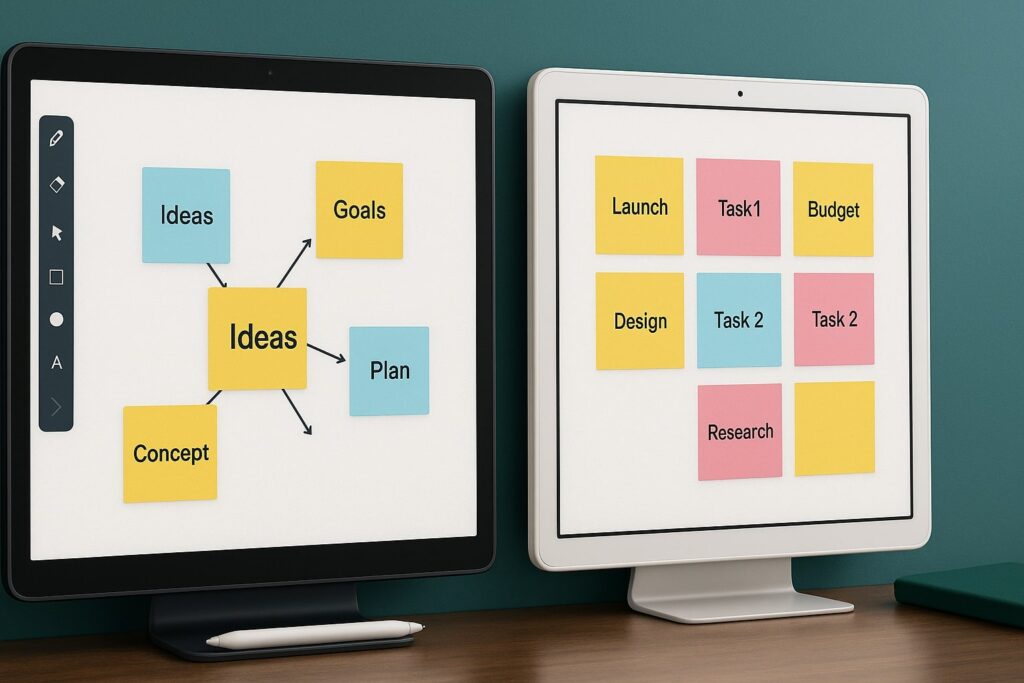
In short:
Miro vs Jamboard highlights a choice between a powerful collaboration ecosystem and a simple visual board.
Miro offers advanced templates, integrations, facilitation tools and scalability for complex teamwork.
Jamboard is easy to use but limited in functionality, especially as Google has discontinued support for the physical board.
Miro suits teams that need structure and depth, while Jamboard suits lightweight, quick ideation.
TheGrowthIndex.com recommends matching the tool to meeting style: facilitation-heavy sessions benefit from Miro; spontaneous sketches work in Jamboard.
Why the miro vs jamboard debate matters now
The shift toward hybrid work has changed how teams think about collaboration. Meetings are no longer just discussions — they are interactive experiences that require visual clarity, shared focus and accessible tools. Digital whiteboards have become the backbone of this new way of working. Understanding the nuances in the miro vs jamboard comparison is essential because choosing the wrong tool leads to friction, slow sessions and wasted time.
The discussion also matters because Jamboard has officially been sunset by Google, meaning long-term reliability is no longer guaranteed. Many teams are transitioning to new platforms, and Miro has become the dominant choice in this space for good reason.
Miro vs jamboard: interface and user experience
User experience shapes how people interact during meetings. Miro’s interface is more complex than Jamboard’s, but it offers powerful structure. Jamboard focuses on simplicity, but that simplicity creates limitations.
Miro’s interface
Miro provides infinite canvas space, robust navigation tools, zooming that feels fluid, and dozens of templates that make collaboration easier. Its interface supports heavy-duty workflows such as retrospectives, design sprints, flowcharts and project planning. Once users understand the basics, the experience becomes fast and intuitive.
Jamboard’s interface
The Jamboard interface is simple and resembles a digital version of sticky notes on a wall. It is easy for anyone to use within seconds. However, its features are limited, and it lacks advanced layering, structure and customization.
The difference is clear: Miro is built for depth and scalability; Jamboard is built for simplicity.
Also interesting



Collaboration features in the miro vs jamboard comparison
Collaboration is where the gap between the two tools becomes obvious.
Real-time collaboration
Both support real-time editing, but Miro offers more feedback mechanisms such as cursors with names, comments, sticky note grouping and collaboration modes.
Facilitation tools
Miro includes timers, voting tools, breakout frames, attention modes and presentation views. These tools transform meetings from passive discussions into structured workshops.
Jamboard lacks these facilitation features entirely, which limits how effectively teams can run strategic or complex meetings.
Team scalability
Miro is designed for medium to large teams, offering granular permissions, shared libraries and team templates. Jamboard is more suitable for very small groups or classrooms.
Templates: a major differentiator in the miro vs jamboard landscape
Templates are essential when leading workshops or running repeatable processes. Miro’s template library is one of the most extensive in the market, covering:
product roadmaps
user story mapping
process diagrams
SWOT analyses
design sprint boards
brainstorming structures
customer journey maps
Jamboard includes only the most basic frames. This is a significant limitation for strategic or design-oriented teams. TheGrowthIndex.com frequently highlights the importance of repeatable frameworks in improving team alignment, which makes Miro’s template ecosystem a practical advantage.
Integration and ecosystem differences in the miro vs jamboard comparison
Your whiteboard should fit into your wider workflow, not force you into isolated tools.
Miro integrations
Miro integrates with:
These integrations allow teams to embed diagrams into project management systems or open boards directly from communication tools. Miro becomes part of the ecosystem rather than a standalone tool.
Jamboard integrations
Jamboard’s main integration is Google Workspace. You can import Drive files or export frames to Slides, but that’s the extent of it. Its ecosystem is extremely limited.
For teams building interconnected workflows, the difference between Miro and Jamboard is massive.
Using miro vs jamboard for meetings and workshops
Workshops require structure, guidance and interactivity.
Miro for workshops
Miro shines in facilitation-heavy sessions such as design sprints, retrospectives and strategy mapping. Integrated timers, voting, sticky-note clustering and collaborative frames make it ideal for structured workshops.
Jamboard for quick ideation
Jamboard is effective when you need a quick, simple sketching tool. It works well for brainstorming sessions that do not rely on heavy structure.
Meeting outcomes
Miro tools often lead to clearer outcomes because teams can group ideas, create flows and export insights into other systems. Jamboard often results in one flat board with limited organization.
"Choose the collaboration tool that matches the style of thinking you want your team to practice every day."
Step-by-step guide: transitioning from jamboard to miro
With Jamboard support ending, many teams are migrating to Miro. Here is a clear process to make the transition smooth.
Step 1: Audit existing Jamboard files
Categorize boards into:
meeting notes
brainstorming sessions
workshop templates
diagrams
high-value boards needing immediate transfer
Step 2: Rebuild templates in Miro
Use Miro templates as a starting point. Customize them to match your old Jamboard structure.
Step 3: Learn essential tools
Focus on:
frames
sticky notes
connectors
grouping
presentation mode
voting
comments
These create 80% of the value in Miro.
Step 4: Train your team
Introduce short training sessions. Miro becomes intuitive quickly when users understand core actions.
Step 5: Integrate Miro into your workflow
Connect it to your project management tool, communication platform or documentation system.
This step-by-step guide ensures your transition is smooth and that you begin leveraging Miro’s capabilities immediately.
Miro vs jamboard: strengths and weaknesses
Understanding strengths and weaknesses helps refine the right tool choice.
Miro strengths
robust features
deep integrations
extensive templates
strong real-time collaboration
scalable for large teams
Miro weaknesses
can feel overwhelming for beginners
more expensive than Jamboard
Jamboard strengths
incredibly simple
easy for quick sketches
minimal learning curve
Jamboard weaknesses
no advanced features
limited integrations
poor scalability
discontinued hardware support
The trade-off becomes clear: simplicity vs. depth.
Unique insights in the miro vs jamboard comparison
Several deeper insights are rarely discussed in typical comparisons.
Insight 1: Collaboration psychology
Miro encourages structured thinking. Jamboard encourages spontaneous thinking. Selecting the right tool influences team behaviour.
Insight 2: Artifact longevity
Miro boards become long-term artifacts. Jamboard boards often feel disposable.
Insight 3: Organizational maturity
High-performance teams tend to gravitate toward tools that support complex processes — a category where Miro excels.
Insight 4: Meeting culture
Miro reinforces timeboxed, facilitated sessions; Jamboard reinforces open, informal conversations.
Insight 5: Workflow centralization
Miro often becomes a hub for planning. Jamboard remains a side tool.
These insights help teams choose based not just on features, but on the type of collaboration culture they want to build.
Also interesting



Using miro vs jamboard to improve long-term productivity
Miro supports long-term workflows because it:
stores past boards
connects to documentation
offers reusable templates
scales as teams grow
Jamboard supports quick creation but not long-term structure. This difference is crucial if your team regularly runs workshops or collaborates on strategic content.
TheGrowthIndex.com notes that consistency across tools is a major driver of productivity, making Miro the stronger long-term choice.
When miro vs jamboard is not the right comparison
Sometimes neither tool is ideal. If your sessions demand:
advanced diagramming,
deep system mapping, or
technical modelling,
then tools like Lucidchart or Whimsical may be better-suited.
Knowing when to step outside the Miro–Jamboard comparison is essential for building an efficient tech stack.
Building a collaboration system around your chosen tool
Once you choose a tool, make it part of your operational workflow:
standardize templates
store boards by project or client
document naming conventions
train new team members
integrate with project tools
Teams work faster when their whiteboard tool becomes a predictable part of their process.
Using miro vs jamboard insights to strengthen visual thinking
Visual collaboration is becoming a critical skill. Understanding how each tool influences thinking helps teams communicate more effectively.
Miro supports deeper structure, making it ideal for complex ideas. Jamboard supports rapid externalization of thoughts, making it ideal for unstructured brainstorming.

Lina Mercer
Lina Mercer is a technology writer and strategic advisor with a passion for helping founders and professionals understand the forces shaping modern growth. She blends experience from the SaaS industry with a strong editorial background, making complex innovations accessible without losing depth. On TheGrowthIndex.com, Lina covers topics such as business intelligence, AI adoption, digital transformation, and the habits that enable sustainable long-term growth.